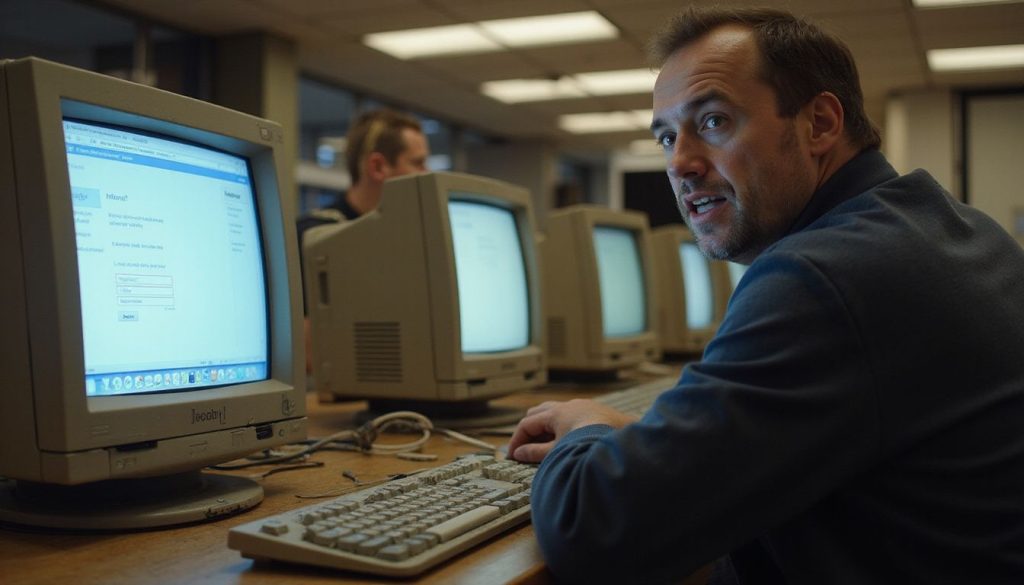
Public computers and shared devices sit in libraries, hotels, airports, and cafes. They pose real privacy and security risks for personal information. Public WiFi and shared software often expose users to malware, keyloggers, and spyware.
Browser caching can save login data and leave accounts open.
This outline lists common threats and clear safeguards. It covers keyloggers, spyware, browser caching, shoulder surfing, infected USB ports, and unsecured WiFi. It shows real consequences like account hacking, identity theft, and financial loss.
It also gives best practices such as private browsing, logging out, clearing data, using multi-factor authentication, and checking for suspicious hardware.
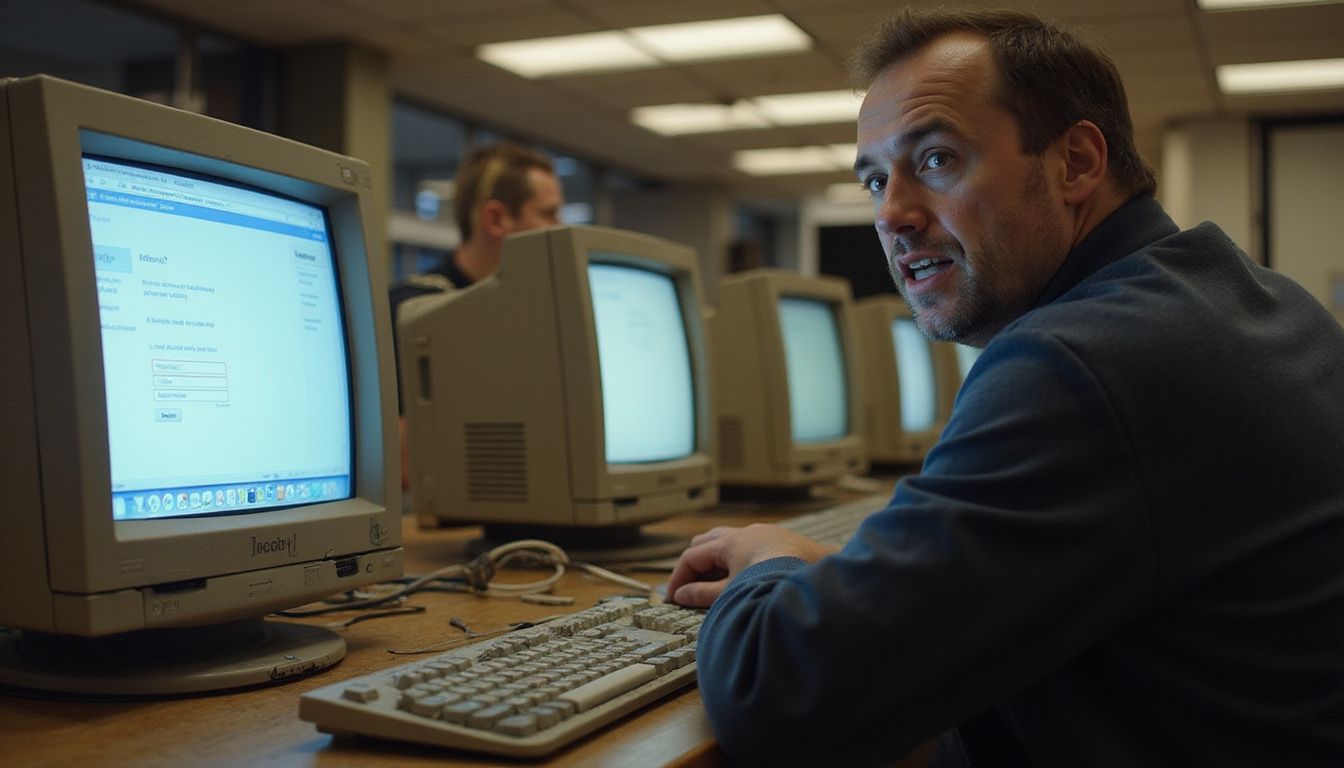
Have you ever worried about your private information being stolen after using a public computer or shared device? Studies show that these devices can easily store your data and expose it to strangers. This post will explain the main privacy risks and give you easy tips to stay safe. Learn how simple steps can protect your personal information today.
Key Takeaways
- Public computers and shared devices can have keyloggers, spyware, or malware. These threats can record your keystrokes and steal passwords or credit card numbers.
- Browser caching on public devices may save login data. Others could access your accounts if you forget to log out or do not clear the browsing session.
- Unsecured public Wi-Fi networks make it easy for hackers to intercept personal information. Avoid entering sensitive details when connected to these networks.
- In 2021, over 3 billion records were exposed in data breaches worldwide. Victims often face financial losses, identity theft, and long-term damage to their credit.
- You can protect your privacy by using incognito mode, logging out of all accounts, clearing browser data after use, enabling multi-factor authentication, and avoiding unknown USB ports on public machines.
Briefly introduce public computers and shared devices and why privacy is a concern.

Public computers and shared devices often provide convenient access to the internet. However, they can pose significant privacy risks. Many people use these resources in libraries, cafes, or community centers without thinking about their security.
Public access increases chances for data theft and misuse of personal information.
Keyloggers and spyware may lurk on public machines, capturing sensitive information like passwords and bank details. Browser caching can save your login sessions even after you log out, exposing your accounts.
Furthermore, unsecured public Wi-Fi networks make it easy for hackers to intercept data traffic. This makes understanding the risks crucial for maintaining digital privacy.
Privacy is not an option; it is a necessity.
Main Privacy Risks of Public Computers and Shared Devices

Public computers and shared devices expose users to serious privacy risks. They can harbor keyloggers and malware that steal sensitive data. Unsafeguarded browser settings save your login information, putting you at risk.
People can also watch you type, leading to potential breaches in your personal security. Unsecured Wi-Fi networks add another layer of vulnerability that hackers exploit easily. Stay informed about these dangers to protect yourself better.
Keyloggers, spyware, and malware threats
 Keyloggers, spyware, and malware pose serious threats on public computers and shared devices. Keyloggers secretly record every keystroke a user makes. This means they can capture sensitive information like passwords and credit card numbers.
Spyware silently gathers data about users without their consent; it tracks activities and steals confidential data. Malware can infect these devices through downloads or links, causing significant harm to personal security.
People using public access computers should be aware of these risks. The consequences of falling victim to such threats can be devastating. Cybersecurity measures become essential in preventing data theft and ensuring privacy while browsing the web on shared resources.
Protecting yourself from these vulnerabilities requires a proactive approach to computer safety.
Browser caching and saved login sessions

Public computers and shared devices often store browser caching data and saved login sessions. This stored information can expose users to significant privacy risks. Anyone using the device after you can easily access your accounts if you fail to log out properly, leading to unauthorized access.
Malware on these machines may also compromise your data security. Hackers can exploit this vulnerability through malicious software that tracks keystrokes. Secure browsing practices become essential in such environments to protect confidentiality against threats like spyware and data theft.
Always clear the cache and delete saved sessions after use to safeguard personal information on public or shared devices.
Shoulder surfing and physical security risks

Shoulder surfing presents a serious privacy risk in public settings. Malicious individuals can easily watch your screen and capture confidential information. They might see passwords, personal messages, or payment details while you access sensitive accounts.
People often use shared devices without considering physical security threats. If someone stands close by, they can quickly collect data from unguarded screens. Protecting yourself requires vigilance; always be aware of your surroundings when using public computers or devices with public access.
Infected USB ports and data theft

Shoulder surfing and physical security risks expose users to threats in public settings. Infected USB ports pose a serious risk as they can easily steal data. Many shared devices have USB ports that may harbor malware.
Unknowing users connect their flash drives, giving hackers access to their information.
Data theft can happen quickly through these compromised connections. Once malware infects a device, it can capture keystrokes or swipe files without detection. Users often underestimate this threat; however, using public computers increases vulnerability significantly.
Keeping sensitive information secure demands vigilance against such hidden dangers. Protect your privacy by avoiding unknown USB ports when accessing shared devices or public computers.
Unsecured public Wi-Fi connections

Public Wi-Fi connections pose serious privacy risks. Cybercriminals often target these unsecured networks to steal personal data. Users may connect without knowing that attackers can intercept their information.
Malware and spyware lurk in the shadows, ready to compromise devices and data.
Using public Wi-Fi can lead to identity theft or financial losses. Attackers can access sensitive accounts if users log in while connected. Avoiding such networks for confidential activities is crucial for maintaining security.
Understanding these risks helps users make informed choices about their online safety strategies concerning public computers and shared devices.
Real-World Consequences of Privacy Breaches

Privacy breaches can lead to serious consequences, like losing personal data and facing identity theft. Victims often deal with financial losses and emotional stress. These impacts can touch every aspect of a person’s life.
For more insights on how to protect yourself, keep reading!
Examples of data exposure and account compromise

Using public computers can lead to serious data exposure. For instance, hackers often install malware on shared devices. This malware can capture keystrokes and steal login information.
Once they have your credentials, attackers can access personal accounts easily.
Another risk comes from browser caching. Public computers save login sessions, which could expose your accounts to the next user. If someone sees or saves your session, they may access sensitive information without any effort.
Always be cautious when using these devices; the potential for account compromise is high due to weak security measures in place.
Financial losses and identity theft

Using public computers and shared devices can lead to financial losses and identity theft. Cybercriminals often exploit these systems to steal personal information. They can easily capture keystrokes or install malware.
This malicious software allows them to access login credentials, bank details, or credit card numbers.
In 2021, data breaches exposed more than 3 billion records worldwide. Victims face severe consequences such as drained bank accounts and damaged credit scores. Identity theft can take months or even years to resolve.
Financial institutions may hold individuals responsible for unauthorized transactions if they don’t secure their information properly while using public access points like libraries, hotels, or cafés with unsecured Wi-Fi connections.
Protecting confidential data on these devices is crucial in avoiding such risks related to privacy and security threats.
Impact on personal and sensitive information

Financial losses and identity theft can lead to serious issues. The exposure of personal information on public computers can result in unauthorized access to accounts. Cybercriminals often target confidential data, including banking details and social security numbers.
Once they gain access, thieves misuse this information for their benefit.
Sensitive information remains at risk even after a single breach. Malware and keyloggers silently harvest data while users browse the internet or enter passwords. This threat lurks in shared devices, making it crucial to remain vigilant while using them.
The consequences extend beyond finances; damaged reputations also arise from leaked private messages or photos.
Essential Tips to Protect Your Privacy

Use private browsing or incognito mode to keep your online activities off the radar. Always log out from accounts and clear your browsing data after using public devices.
Avoid accessing sensitive accounts or conducting financial transactions

Public computers and shared devices pose serious privacy risks. Accessing sensitive accounts or conducting financial transactions on these devices can lead to dangerous consequences.
Keyloggers may capture your keystrokes, while malware can steal personal information without detection.
Use secure networks for sensitive activities instead of public Wi-Fi connections. These networks often lack encryption, making it easy for hackers to access your confidential data.
Opt for your mobile device when handling important tasks; it provides a safer environment compared to public systems that anyone can use.
Use private browsing/incognito mode

Avoiding sensitive accounts or financial transactions helps protect your information. Using private browsing or incognito mode also enhances your security. This feature prevents the browser from saving your history, cookies, and site data.
You can access shared devices without leaving a trail behind.
Many browsers offer this mode for extra privacy. It helps reduce risks from keyloggers and malware threats that lurk on public computers. Your saved login sessions will not appear in private mode.
By using it, you decrease the chances of someone else accessing your confidential information through those shared devices.
Always log out and clear browsing data

Logging out of public computers and shared devices protects your privacy. Many people forget to sign out after using these machines. This oversight can lead to unauthorized access to accounts.
Clearing browsing data removes saved passwords, cookies, and history. Malware or keyloggers might track your activities on these devices. Keeping sensitive information secure is crucial in a space where multiple users have access.
Always take the time to log out and clear that data before leaving the device behind.
Enable multi-factor authentication

Multi-factor authentication adds an extra layer of security. It requires users to provide two or more forms of verification before accessing their accounts. This process often includes something you know, like a password, and something you have, such as a mobile device for a text message code.
With this additional step, even if someone steals your password, they still cannot access your account without the second form of identification.
Many websites offer multi-factor authentication options. Enabling this feature significantly reduces the risk of data theft on public computers and shared devices. Using it guards against unauthorized access to sensitive information stored online.
Now let’s explore responsible use and alternatives for enhancing personal privacy while accessing digital content.
Check for suspicious hardware or software

Before using a public computer or shared device, examine it carefully. Look for strange USB ports, unrecognized software, or unfamiliar programs. Keyloggers can hide in plain sight, ready to capture your keystrokes.
Malware might also lurk within installed applications. If you notice anything unusual, avoid using that machine. Prioritize safe browsing by choosing devices that appear secure.
Protecting your privacy is crucial in these environments. A compromised device increases the risk of data theft and exposes confidential information. Check for updates on installed software during each use; outdated systems may have vulnerabilities attackers could exploit as well.
Always stay alert to potential threats while navigating these public spaces.
Responsible Use and Alternatives

When using public computers, think carefully about what you access. Choose personal devices and secure networks for sensitive information instead.
When to avoid public devices altogether
Public devices pose serious privacy risks. Avoid them when accessing sensitive accounts, such as banking or medical sites. These actions can expose your confidential information to threats like malware or keystroke logging.
Shared computers may keep saved login sessions due to browser caching. This can give opportunistic users access to personal data without your knowledge.
Refrain from using public devices on unsecured Wi-Fi connections too. Cybercriminals often exploit these networks for data theft and account compromise. Opt for a secure mobile device instead, especially for transactions involving financial details or private information.
Staying cautious helps protect your privacy in a landscape filled with security risks related to shared devices and public access points.
Safer alternatives for accessing personal information
Using your own mobile device provides a safer way to access personal information. Mobile devices often have better security features than public computers. Secure networks, such as home Wi-Fi or trusted virtual private networks (VPNs), guard against data theft and malware.
Always connect through these secure options when handling sensitive tasks.
Consider cloud storage services that offer strong encryption for your confidential files. These platforms allow easy access while keeping your data safe from unwanted eyes. Syncing between devices ensures you can retrieve your important documents without needing to use shared devices or public computers.
Using mobile devices and secure networks for sensitive activities
Safer alternatives for accessing personal information include mobile devices and secure networks. Mobile devices offer more privacy than public computers. Many people carry smartphones with built-in security features.
These devices allow users to access sensitive information without the risks of shared systems.
Secure networks provide another layer of safety. Using a trusted Wi-Fi network helps protect against data theft and malware threats. Avoid connecting to unsecured public Wi-Fi when handling confidential matters, such as banking or shopping online.
Always check the connection’s security settings before entering sensitive data on your device or network.
FAQs
1. What are the privacy risks of using public computers and shared devices?
Public computers can harm your Privacy. They can host Malware that spies on you. Keystroke tracking can capture your credentials. This can lead to Data theft and weak Security.
2. How can Malware and keystroke tracking affect my accounts?
Malware can copy files and settings. Keystroke capture can record usernames and passwords. Attackers can use that data to steal funds or access accounts. This breaks your Security and Privacy.
3. How do I cut the risk on public machines?
Use your own device when you can. Sign out of accounts and clear browsing data. Avoid saving credentials. Use secure networks and updated Security tools.
4. When should I not use a shared device?
Do not use shared devices for sensitive tasks like banking or private messages. If you must, limit what you do and watch for odd behavior. Report any signs of Malware or possible Data theft.