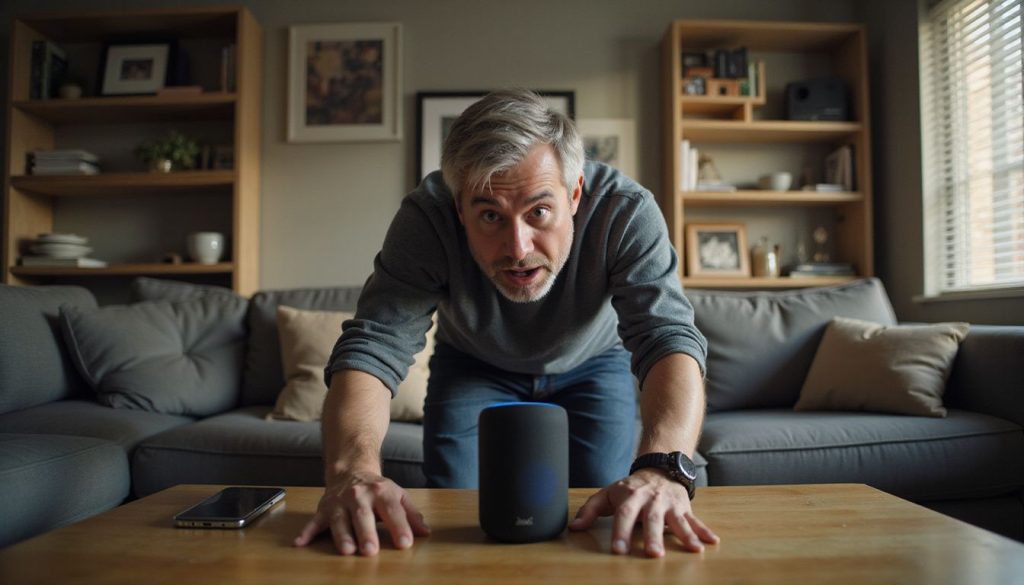
Smart speakers now sit in many smart homes. Voice assistants like Alexa, Google Home, and Siri listen for a wake word. They record audio after activation and often store voice queries and voice history in the cloud.
Those recordings can include accidental recordings, usage patterns, and links to personal information.
Manufacturers use user data for speech recognition, quality control, and to personalize services. Companies may share recordings with contractors or third parties, which raises surveillance and eavesdropping concerns.
You can change privacy settings to review, delete, or auto-delete recordings, mute the mic, or opt out of data collection to protect your privacy.
**Introduction**
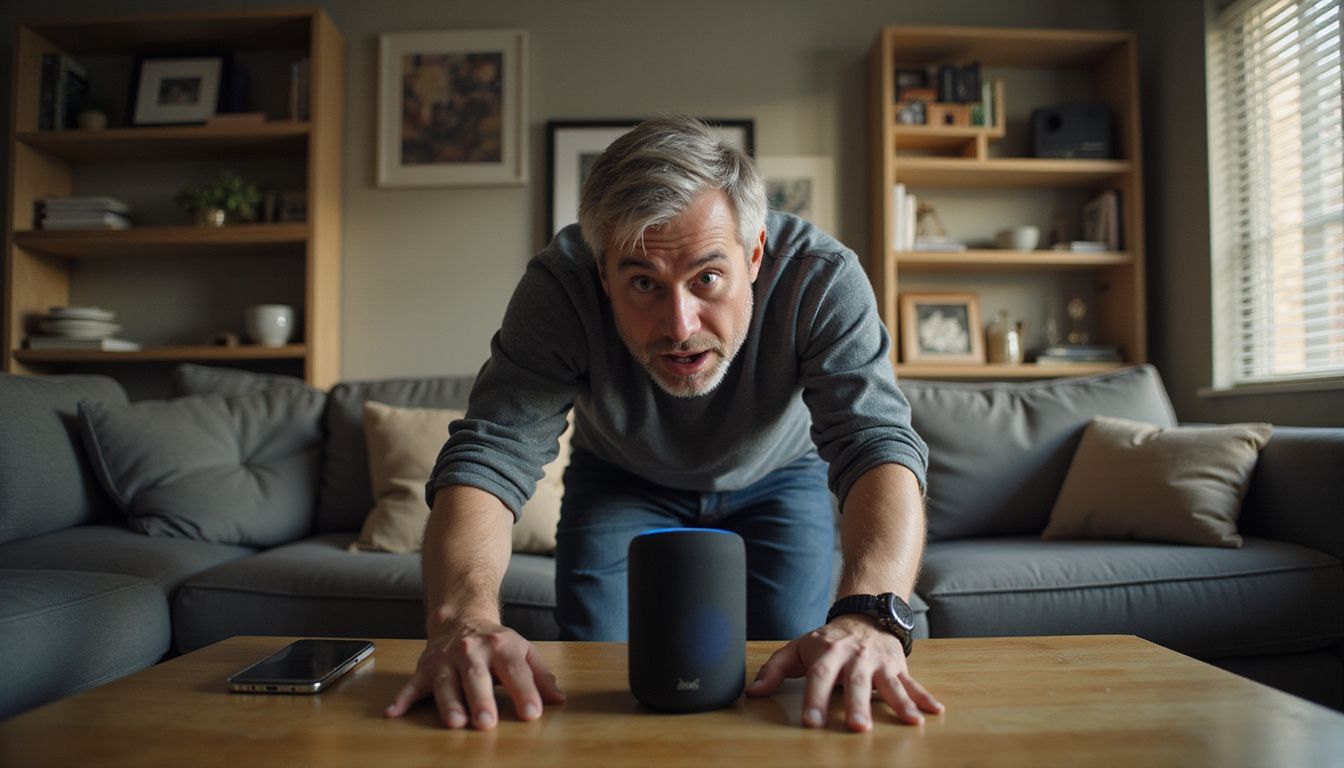
Many people worry that their smart speakers might be listening to more than they should. In fact, devices like Alexa, Google Home, and Siri can record parts of your conversations after detecting a “wake word.” This blog explains what these voice assistants actually record and how you can control your privacy settings. Find out how to keep your private life protected at home.
Key Takeaways
- Smart speakers like Alexa, Google Home, and Siri record your voice after hearing their wake word. They may also save accidental recordings and background noises.
- Companies store these recordings in the cloud to improve speech recognition and personalize services. This data collection can include usage patterns and linked personal accounts.
- Your audio data might be shared with contractors or third parties for quality checks or targeted ads. Data leaks are possible if hackers breach remote servers.
- Each platform offers privacy settings such as review, auto-delete options, mute buttons, and ways to opt out of sharing programs. These tools help users control what gets recorded or stored.
- Regularly check your smart speaker’s settings to delete voice history and limit data sharing. Choosing devices with stronger privacy features can better protect your information at home.
Brief overview of smart speakers’ popularity and increasing presence in homes.

Smart speakers have surged in popularity recently. Devices like Alexa, Google Home, and Siri now fill countless homes. Many people embrace these voice assistants for their convenience and smart home capabilities.
They make everyday tasks easier by controlling lights, answering questions, and playing music with just a voice command. The allure of hands-free operation attracts users who crave efficiency.
As smart technology continues to improve, more individuals integrate these devices into their daily lives. This increasing presence raises important privacy concerns about how much data these speakers collect about us.
Understanding the implications of audio recording is essential as we rely more on our digital assistants for various tasks.
The importance of understanding what these devices record and privacy implications.

Smart speakers like Alexa, Google Home, and Siri have become common in many homes. They offer convenience but also raise privacy concerns. These devices continuously listen for their wake words.
Once activated, they can record your voice queries and conversations. Users may not realize that these recordings could include accidental snippets of daily life.
Understanding what smart speakers record is vital for protecting user privacy. This knowledge helps you control data collection and eavesdropping risks more effectively. It’s essential to review how your voice history is stored and used by companies.
Companies often analyze this data to improve speech recognition or personalize services, which raises questions about surveillance practices in our homes.
**What Your Smart Speaker Really Records**

Your smart speaker listens for its wake word to start recording. It captures your voice commands, accidental snippets, and other information that connects to you.
Explanation of “wake word” activation and the scope of recorded audio.

Smart speakers like Alexa, Google Home, and Siri activate when they hear a specific wake word. This wake word alerts the device to listen for commands or questions. Once activated, these devices record audio to understand user requests.
They capture voice queries and sometimes accidental recordings. These interactions help improve their performance over time.
The scope of recorded audio goes beyond just your commands; it can include background sounds or conversations happening nearby. Voice assistants use this data to learn from usage patterns and enhance speech recognition capabilities.
As you engage with your smart home technology, understanding how much information is collected becomes crucial for protecting your privacy. The next section will explore how this recorded data is used and shared.
Types of data collected: voice queries, accidental recordings, usage patterns, and linked personal information.

Smart speakers like Alexa, Google Home, and Siri can gather various types of data. They record voice queries when users activate them by saying a specific wake word. Accidental recordings also happen when these devices mistakenly pick up background conversations.
Besides audio data, they track usage patterns to understand how often you use certain features.
Linked personal information is another aspect of data collection. Smart speakers may connect to your email or social media accounts, collecting details about you without clear consent.
This mix of voice data and personal links raises important privacy concerns for users who rely on these smart technologies in their homes.
**How Recorded Data Is Used and Shared**

Smart speakers store and process your recordings in the cloud. Companies use this data to improve voice recognition, personalize services, and serve targeted ads.
Storage and processing of recordings in the cloud.

Smart speakers like Alexa, Google Home, and Siri store recordings in the cloud. This means your voice commands and conversations get sent to remote servers for processing. Companies use this data to improve services, enhance speech recognition, and create a more personalized user experience.
Data can also be vulnerable to breaches. Accidental sharing with third parties raises privacy concerns as sensitive information may leak out. Understanding how these devices handle your recordings helps you maintain control over your voice history.
Next, let’s explore platform-specific privacy features available across these smart speakers.
Use of data for improving voice recognition, personalizing services, targeted advertising.

Smart speakers like Alexa, Google Home, and Siri collect data to enhance voice recognition. They analyze users’ speech patterns and accents to improve accuracy. This process helps these devices understand commands better over time.
Data also personalizes services for each user. For instance, smart assistants can create tailored playlists or recommend products based on past interactions. Companies use collected information for targeted advertising as well.
They aim ads at specific demographics by tracking users’ preferences and habits through recorded audio data; this raises privacy concerns among many consumers.
Next, we will explore the privacy features and controls available across Alexa, Google Home, and Siri.
Potential sharing with third parties and risks of data leaks.

Data from smart speakers like Alexa, Google Home, and Siri sometimes gets shared with third parties. Companies use this information to improve their services and target advertising.
This sharing raises privacy concerns for users since their voice history may fall into the wrong hands.
Risks of data leaks also exist. If hackers gain access to these cloud systems, they can expose personal information or recordings. Users should take steps to protect their privacy by adjusting settings and being aware of how much data they share.
Next, we’ll explore privacy features and controls across these platforms.
**Privacy Features and Controls Across Alexa, Google Home, and Siri**

Smart speakers offer various privacy features to help users control their data. Each platform has unique settings, like auto-delete options and tools for reviewing activity history.
Platform-specific privacy settings and differences (auto-delete, review, anonymization).

Alexa, Google Home, and Siri offer unique privacy settings. Users can set auto-delete options for recordings. This feature automatically deletes voice history after a specific period, enhancing user privacy.
Each platform allows users to review their stored audio files easily. Through these reviews, individuals can manage their data more effectively.
Anonymization plays a vital role in protecting user identity. Both Alexa and Google Home anonymize data during processing. Siri provides users with insights into how their recordings get used while ensuring personal information remains secure.
Understanding these features helps individuals exercise control over their smart speaker data collection practices. Now let’s explore steps you can take to protect your privacy further.
Steps to review, delete, or disable recordings.

Users can easily manage their smart speakers by reviewing, deleting, or disabling recordings. Each device has specific settings that allow you to access your voice history. For Alexa, go into the app and select “Settings,” then tap on “Alexa Privacy.” There you will find options to listen to and delete recordings.
Google Home users should open the Google Home app, navigate to “Account,” and choose “Activity controls.” You can view and remove any saved audio clips from this section. Siri users can adjust privacy settings through the iPhone’s “Settings” app under “Siri & Search.” All platforms offer ways to disable audio recording features entirely if needed.
This way, maintain control over data collection and protect your user privacy effectively.
Options for opting out of data sharing and improvement programs.

Smart speakers like Alexa, Google Home, and Siri offer options for users to opt out of data sharing. Each platform provides specific settings that allow you to control your voice history.
You can disable certain features to limit how much data these devices collect about you.
Most smart speakers let you turn off access to usage data or stop sharing recordings used for improving services. Navigate through the user settings on your device’s app or website.
This helps protect your privacy while still enjoying the benefits of smart technology in home automation.
**Protecting Your Privacy: Practical Steps for Users**

You can easily protect your privacy by using mute buttons and adjusting settings on your smart speakers. Regularly check and delete your voice history to minimize data collection. Consider devices that prioritize user security to keep personal information safe.
Staying informed helps you maintain control over your digital life, so explore more tips on enhancing privacy with smart technology!
How to use mute buttons and physical controls.

Mute buttons and physical controls on smart speakers provide a quick way to boost your privacy. Most devices, like Alexa, Google Home, and Siri, feature a mute button that stops them from listening for the wake word.
Pressing this button blocks audio recording until you turn it back on. Use these controls frequently if you want more control over when your voice assistant listens.
Some smart speakers also include physical switches that allow users to disconnect the microphone entirely. This action adds an extra layer of security by ensuring no audio recordings take place.
Check user settings in each platform for instructions on using these features effectively. Taking these steps helps minimize eavesdropping risks while still enjoying the benefits of smart technology.
Enabling local processing and regular privacy maintenance.

Enabling local processing protects your privacy by keeping some data on your smart speaker instead of sending it to the cloud. This means less information is stored online, reducing eavesdropping risks.
Users can often find this setting in their device options for Alexa, Google Home, and Siri.
Regular privacy maintenance is essential for smart technology users. Check voice history settings frequently to see what recordings are saved. Delete any unused audio and adjust user settings according to your preferences.
By staying vigilant about data collection practices, you enhance your security while using voice assistants like Alexa, Google Home, or Siri.
Choosing privacy-focused devices and balancing convenience with security.

Balancing convenience with security requires careful consideration. Choose privacy-focused devices that prioritize user protection while delivering smart home capabilities. Brands like Apple emphasize user privacy through features such as minimal data collection and local processing options.
In contrast, Alexa and Google Home often collect extensive voice history for targeted advertising.
Assess the trade-offs between usability and safety when selecting a smart device. Some users may prefer greater functionality at the cost of their privacy, while others prioritize safeguarding personal information.
Make informed decisions by reviewing each platform’s user settings to ensure they align with your needs for both automation and security.
FAQs
1. What do Alexa, Google Home, and Siri record?
They record audio when you speak the wake word. These voice assistants log voice history and data recording. Companies use speech recognition and artificial intelligence to process the audio.
2. Why do smart home devices record my voice?
They record to run home automation and smart technology tasks. The data helps the voice assistant follow user settings. This data collection also helps improve features over time.
3. Who can hear or access my recordings?
You can see some files in your app. Companies and staff may access recordings to train systems. This raises privacy concerns like eavesdropping and surveillance, so check user privacy rules.
4. How can I control what gets recorded?
Open the device app and change user settings. Delete voice history and limit data recording. You can mute the microphone to stop audio recording.
5. Are these devices spying on me?
These devices are part of the Internet of Things and smart home gear. They may feel like surveillance when they collect much data. The makers say they use data to help you, but user privacy remains a real concern.